Project LLM Context
The Project level's "LLM Context" tab generates a single Markdown file describing one project: issue types and their effective create field contracts, components, versions, roles, security levels, the project's workflow scheme and workflow definitions (with each transition's screen fields), and, for JSM projects, request types and their request-type → issue-type mapping — all as of the moment it was generated.
The file contains create contracts only, not edit contracts. A create contract depends on the project and issue type alone, so it's the same for every issue of that type — safe to export project-wide. An edit contract additionally depends on one specific issue's current workflow state, screen configuration and the viewing user's permissions, so there's no single "project-wide" edit contract to export; it's only meaningful for one issue at a time. See Issue level's Edit Contract tab for that, opened on the specific issue you need it for.
It is meant as a context pack for an LLM or integration developer working against that project, not as a permanent or complete Jira API specification: endpoints, authentication/scopes and payload schemas still need to be checked against current Atlassian documentation, since Jira Cloud evolves over time.
How to use it safely
The export itself documents this at the top of the file, before any catalog content:
- The Workflows section describes the configured transition graph, not a live guarantee of what's
available on a specific issue right now — callers should still check the relevant
transitions/editmetaendpoint for that issue. - When a section fails to load (for example, a permission error on one request type among many), that is noted inline in the file rather than silently omitted.
- Repeated large allowed-value lists are deduplicated into a
Shared reference valuessection and referenced by a stable ID, to keep the file smaller without dropping information.
Workflow scheme
A project's workflow scheme is Jira's own mapping of which workflow applies to each issue type in that project. The export's Workflow scheme section includes this mapping, plus each workflow's transitions and their screen fields.
Generating this section only requires you to be an administrator of this specific project — you don't need to be a Jira-wide administrator for it to work.
If this section can't be loaded for some reason, that's noted directly in the file instead of being silently skipped, and the rest of the export is unaffected.
Generating it
From Project settings → Apps → Integration Helper → LLM Context, you'll see the export's description and a Generate context pack button:
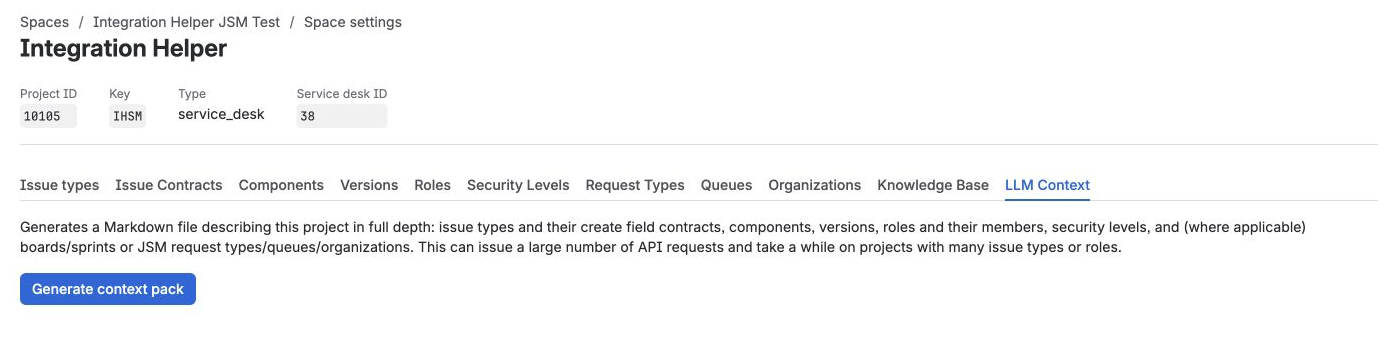
Before generating — description text and the Generate context pack button.
Click it. Generation runs entirely client-side and can issue a large number of API requests on projects with many issue types, roles or workflow transitions — it may take a while, and progress is shown with a Cancel option. When it finishes, a summary appears with the file ready to download:
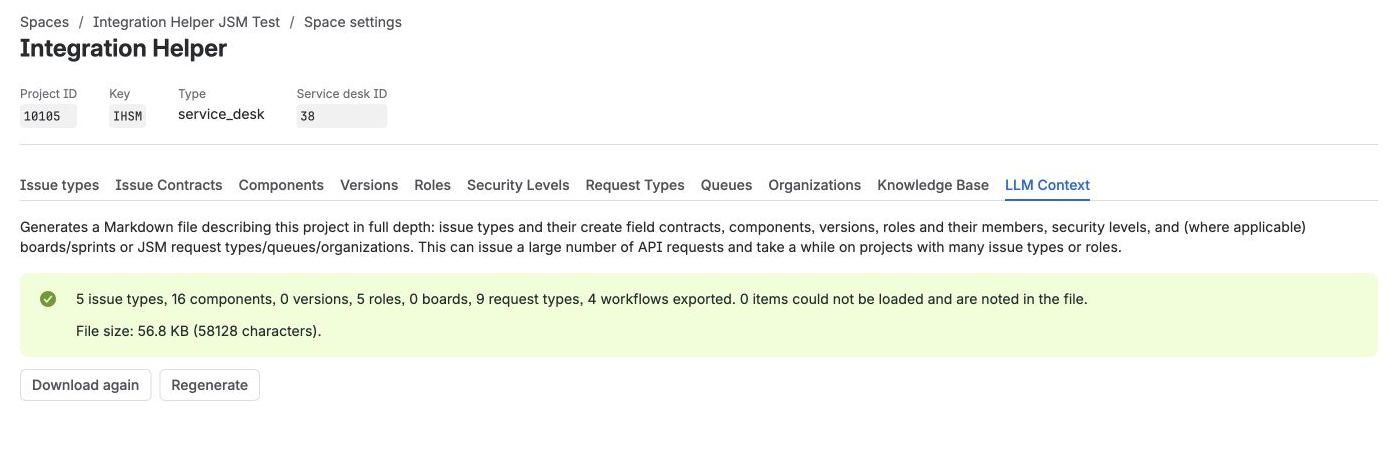
After generating — summary stats (issue types, components, roles, etc.), file size, and the Download again / Regenerate buttons.
Scope
There is no Global/site-wide LLM context export — see Known limitations.